
An agent builds it. You see it, run it and share it.
GhostPoly is a cloud workspace for 3D: BIM from your drawings, machines and production cells, digital twins on live data, and games. An agent builds it — your own Claude Code, Codex or Cursor through MCP, or the Studio Agent built in — and the people on the project see it, measure it, run it, review it and share it in the browser, or take it into their BIM tools as IFC.
Whichever agent builds, the engine does the exact part — building, measuring against your drawing, finding parts that pass into each other, running scripts and physics — so its work is checked, not just plausible. Connecting your own agent is free on every plan; the Studio Agent runs on credits. The project stays yours as files: assets, scenes, scripts, pages and data.
What it checks is shape and motion. It does not design a structure to code, size motors, certify safety or stand in for a robot controller: use it to show, review, teach and monitor what you build, not to sign it off.
Made with GhostPoly
Five projects, each built by an agent from a request. Watch them being made.
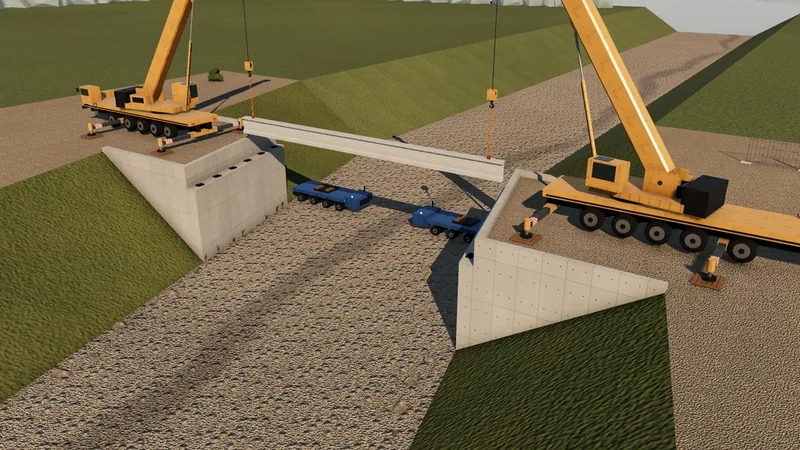 Construction
Sample Creek Bridge
Built from its drawing, every size checked, and its girder lifts planned with two cranes.
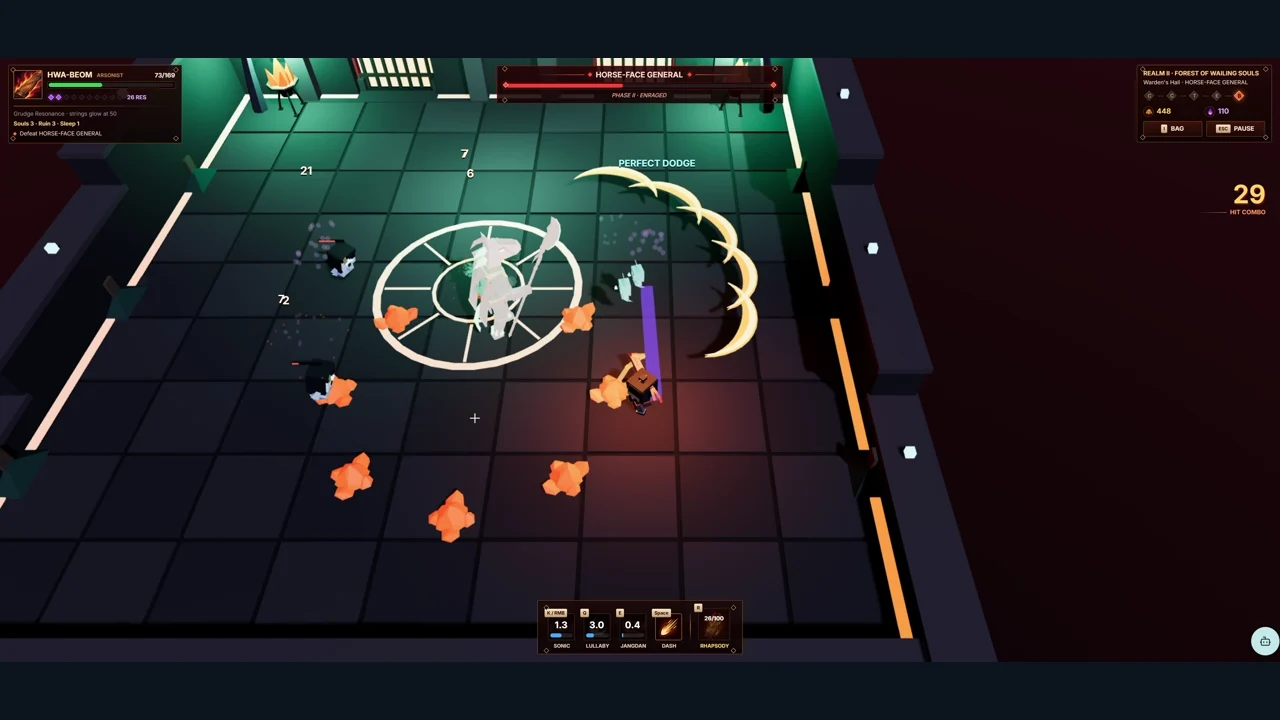 Action game
Arsonist
Describe, build, refine and play: a game made with GhostPoly Agent, shared as a link.
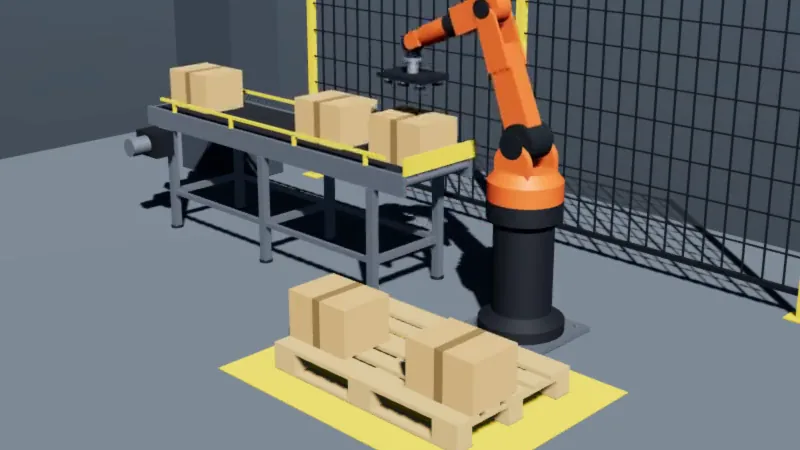 Equipment
Palletizing cell
A robot stacks cartons from a conveyor. The engine checks its reach and its motion.
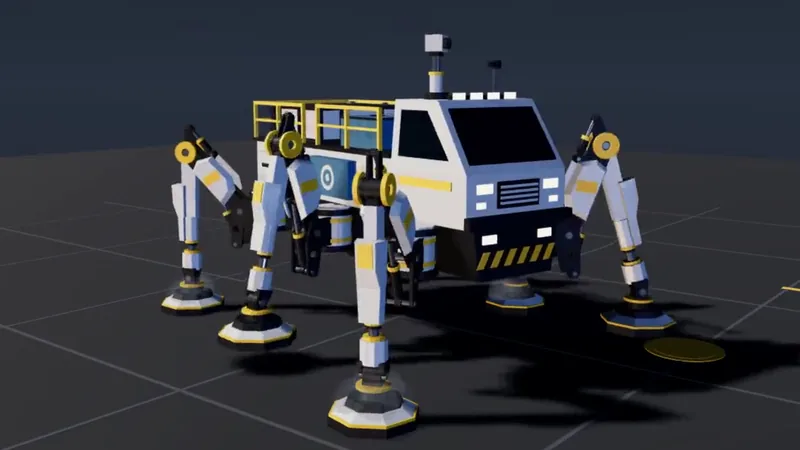 From a blueprint
Mechanical robot
Built at full size from an engineering drawing, and held to its dimensions.
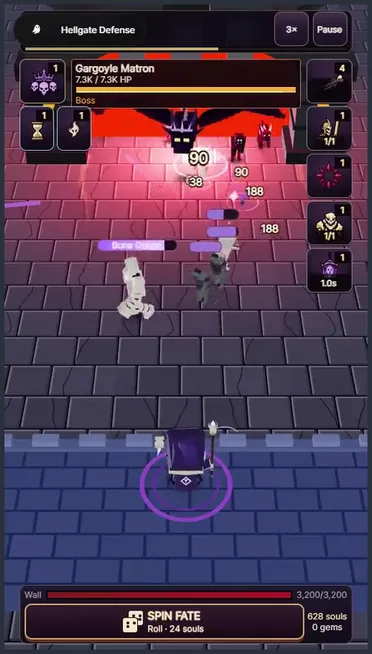 Mobile game
Hellgate Defense
Heroes, waves and loot, with scripts and screens, shared as a link.
How it works
From your agent to an app people can run.
- 01InputYour agentClaude Code, Codex, Cursor
- 02BuildAssets & scenesParts, joints, scripts, UI
- 03CheckEngineBuild, measure, verify
- 04ReviewYouSee, measure, run
- 05ShareAppLink, IFC or Build
- 1
Connect your agent
Add GhostPoly to the agent you already use as an MCP server. It works in your projects under your sign-in.
- 2
The agent builds
From a description, photos, drawings (DWG, DXF or PDF) or a GLB model, it writes assets with named parts and joints, or BIM elements with their data and quantities, arranges scenes and writes scripts, pages and data connections.
- 3
The engine checks
Each asset is built in isolation and checked before it is saved. A machine's parts must not pass into each other, as built or anywhere in a joint's range, and a spec from your drawing or datasheet holds its dimensions to your numbers. Problems go back to the agent with the reason.
- 4
You review
In the Studio you turn, measure and section the model, try its joints and run Play. Select a part and tell your agent what to change; every change is on record and versions can be restored.
- 5
Share it
Publish a link for anyone or only for the people you invite, embed it in your site, export IFC for your BIM tools, or build the app for your own server.
Founder
Gihyun Kil is the founder of GhostPoly, a workspace where people's own AI agents build 3D that moves and teams see, run and share it. Years in Business Development and Product Management at a 3D modeling company showed Gihyun how much modeling, engine work and development a single 3D project takes. GhostPoly lets an agent do that work and leaves the judgment to the people who know the project.